
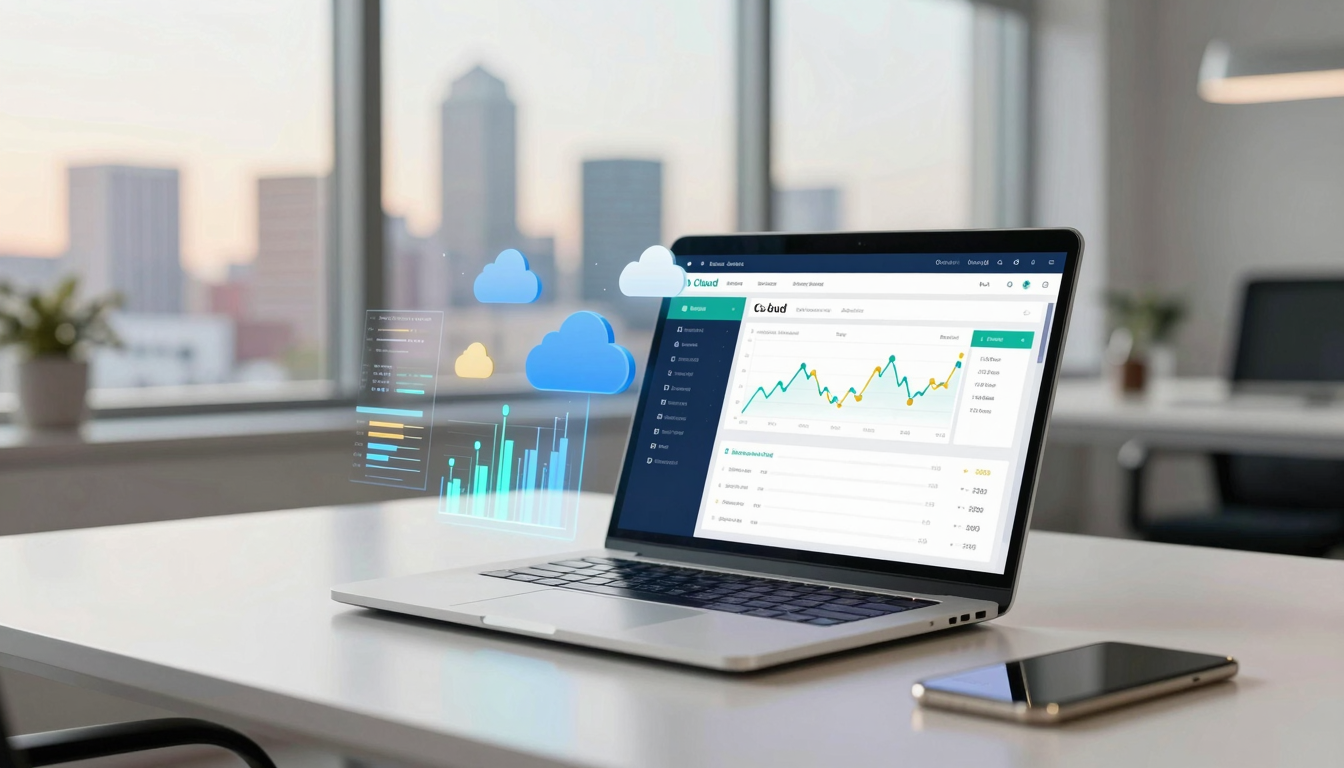
Leveraging Cloud Accounting for Small to Medium-Sized Businesses
Leveraging cloud accounting for small to medium-sized businesses
Introduction
Cloud accounting has fundamentally transformed how small and medium-sized businesses manage their financial operations. Rather than relying on traditional desktop software or manual bookkeeping methods, companies can now access their financial data from anywhere, collaborate with team members in real time, and automate repetitive accounting tasks. This shift toward cloud-based solutions has democratized access to enterprise-level accounting tools that were once only available to large corporations with substantial IT budgets. In this article, we’ll explore how SMBs can strategically leverage cloud accounting to improve efficiency, reduce costs, and gain better financial visibility. We’ll examine the key benefits, address implementation challenges, and provide practical guidance for selecting and maximizing the value of cloud accounting solutions. Whether you’re just starting your accounting journey or looking to upgrade your current systems, understanding cloud accounting’s potential is essential for sustainable business growth.
Understanding cloud accounting fundamentals
Cloud accounting represents a significant departure from traditional accounting software. Rather than storing data on local servers or individual computers, cloud accounting platforms maintain all financial information on remote servers accessible through the internet. This architectural difference enables unprecedented flexibility and accessibility that transforms how businesses handle their finances.
At its core, cloud accounting software allows businesses to record transactions, generate financial reports, manage invoices, track expenses, and reconcile bank accounts from any device with internet access. The software operates on a subscription model, meaning you pay a monthly or annual fee rather than purchasing expensive licenses upfront. This approach eliminates the need for costly IT infrastructure and specialized technical staff to maintain accounting systems.
The fundamental distinction between cloud and traditional accounting software lies in data accessibility and automation capabilities. Cloud platforms continuously update with new features and security patches without requiring manual installations. Multiple users can access the same financial data simultaneously, enabling better collaboration between business owners, accountants, and bookkeepers. Real-time synchronization means that when one person records a transaction, all authorized users see this information immediately.
Cloud accounting also integrates with numerous third-party applications, creating an interconnected ecosystem. Your accounting software can automatically pull data from your payment processors, banking platforms, CRM systems, and e-commerce platforms. This integration eliminates manual data entry errors and ensures consistency across all business systems.
Key advantages for SMBs
Small and medium-sized businesses face unique challenges when managing finances. Limited budgets, small accounting teams, and the need to wear multiple hats make operational efficiency critical. Cloud accounting directly addresses these constraints by offering several compelling advantages.
Cost efficiency and scalability
Traditional accounting software requires significant upfront investment. Companies must purchase licenses, invest in hardware infrastructure, and hire IT staff to manage systems. Cloud accounting eliminates these capital expenditures. SMBs pay predictable monthly fees that typically range from $15 to $150 depending on features and user count. This subscription model allows businesses to start small and scale their accounting capabilities as they grow, without incurring additional infrastructure costs.
The financial impact extends beyond software licensing. By automating routine accounting tasks, cloud platforms reduce the need for full-time accounting staff. A small business might accomplish what previously required two part-time bookkeepers using cloud accounting with one person handling more strategic financial analysis. This efficiency translates directly to salary savings and allows accounting personnel to focus on higher-value activities.
Real-time financial visibility
Decision-making quality depends on information quality and timeliness. Cloud accounting platforms provide real-time dashboards and financial reporting that give business owners immediate insight into their financial position. Rather than waiting for monthly reconciliations, owners can check cash flow status, profitability, and spending patterns instantly.
This real-time visibility enables faster, more informed business decisions. If revenue drops unexpectedly, management can identify the issue quickly and respond. If expenses surge in a particular category, owners can investigate and adjust spending immediately rather than discovering problems weeks later through traditional monthly reports.
Enhanced security and compliance
Contrary to initial concerns, cloud accounting platforms typically offer superior security compared to locally stored data. Professional cloud providers invest heavily in security infrastructure, including encryption, firewalls, and intrusion detection systems. They maintain multiple redundant backups ensuring data survives hardware failures, natural disasters, or other disruptions.
Regulatory compliance becomes easier with cloud platforms. Software providers automatically update systems to reflect changing tax codes and regulatory requirements. For businesses operating in multiple jurisdictions, this automatic compliance significantly reduces the risk of penalties and errors. Many cloud platforms maintain audit trails documenting every transaction and change, providing accountability that satisfies regulatory requirements.
Improved collaboration
Cloud accounting enables seamless collaboration between internal teams and external accountants. Traditional software limited collaboration to scheduled file transfers or in-person meetings. Cloud platforms allow accountants to review records, make adjustments, and provide guidance without lengthy back-and-forth exchanges. During tax season, accountants can access current financial information immediately, speeding up preparation and reducing response time on questions.
| Feature | Traditional software | Cloud accounting |
|---|---|---|
| Initial investment | $500-$3000+ | $0-$200 |
| Monthly cost | $0 (after purchase) | $15-$150 |
| Accessibility | Office only | Anywhere with internet |
| Real-time updates | Limited | Full |
| User collaboration | Difficult | Seamless |
| Data backup | Manual, vulnerable | Automatic, redundant |
| Software updates | Manual installation | Automatic |
Implementation strategy and best practices
Successfully implementing cloud accounting requires careful planning beyond simply signing up for a service. The transition from existing accounting systems involves data migration, team training, and workflow adjustments that can significantly impact business operations if not managed properly.
Assessing your current situation
Before selecting a cloud accounting platform, thoroughly evaluate your business’s specific needs. Document your current accounting processes, identify pain points, and determine which features matter most for your operations. Consider factors including the number of users needing access, transaction volume, industry-specific requirements, and integration needs with existing business software.
Different industries have varying accounting demands. Retail businesses need inventory tracking and point-of-sale integration. Professional service firms require project-based accounting and time tracking. Construction companies need job costing capabilities. E-commerce businesses need multi-channel sales tracking. Understanding your industry-specific requirements ensures you select a platform that handles your unique accounting challenges effectively.
Selecting the right platform
Numerous cloud accounting platforms serve different business sizes and industries. Popular options include QuickBooks Online, Xero, FreshBooks, and Wave, each offering different feature sets and pricing structures. Wave serves startups and small businesses with basic accounting needs, offering free accounting software with optional paid add-ons. FreshBooks specializes in service-based businesses with strong invoicing and time tracking features. QuickBooks Online provides comprehensive functionality suitable for growing businesses. Xero offers advanced features and strong international support.
When evaluating platforms, request free trials and test them with your actual data whenever possible. Ensure the platform handles your specific accounting transactions, integrates with your existing tools, and provides accessible customer support. Check whether your accountant or bookkeeper has experience with the platform, as this familiarity can accelerate your implementation and reduce training time.
Planning the transition
Successful migration requires detailed planning. Schedule the transition during a natural accounting break, ideally at your fiscal year end or quarter end. This timing makes it easier to reconcile data and ensures clean starting balances in your new system. Migrate historical data gradually rather than all at once, starting with recent transactions that you understand completely.
Communicate the transition plan clearly to all affected team members. Provide training sessions addressing how the new system changes workflows, where to find information, and how to complete routine accounting tasks. Create process documentation showing step-by-step procedures for common activities. Designate a point person to handle questions and troubleshoot issues during the transition period.
Managing the learning curve
Even intuitive cloud accounting platforms require users to learn new workflows and system navigation. Invest in comprehensive training for your team. Most cloud accounting providers offer webinars, video tutorials, and documentation. Consider hiring a consultant specializing in your chosen platform for intensive training sessions tailored to your business processes. This upfront investment in training prevents costly errors and accelerates the time until your team reaches full productivity with the new system.
Plan for a transition period where your team runs both the old and new systems in parallel. This redundancy provides a safety net while your team becomes comfortable with cloud accounting. Once you’re confident in data accuracy and team competency, discontinue the old system. Running parallel systems temporarily costs more but prevents serious problems if issues arise during the transition.
Maximizing return on investment
Cloud accounting platforms represent investments in your business’s financial management. To maximize the return on this investment, you must leverage the platform’s full capabilities rather than simply replicating your previous processes digitally.
Automating routine tasks
The biggest ROI opportunity lies in automating recurring accounting tasks. Cloud platforms can automatically categorize expenses, reconcile bank accounts, and generate invoices on schedules you define. Bank reconciliation, historically a time-consuming monthly task, becomes almost automatic when your cloud accounting platform connects directly to your bank account. Transactions appear in your accounting records within days of posting to your bank.
Automation reduces errors and frees your accounting staff to focus on analysis and strategy rather than data entry. If your bookkeeper currently spends 20 hours monthly on reconciliation, bank categorization, and routine data entry, automation can recover 15 hours for higher-value activities like financial analysis, improving processes, and advising management on financial matters.
Leveraging reporting and analytics
Cloud accounting platforms include powerful reporting tools that provide insights into your business’s financial performance. Beyond standard financial statements, most platforms offer customizable dashboards, trend analysis, and comparative reporting. These analytical tools help identify patterns, highlight issues, and support better decision-making.
Regularly review key performance indicators relevant to your business. Gross margin trends indicate whether your pricing or cost structure needs adjustment. Days sales outstanding shows whether you’re collecting receivables efficiently. Expense ratios reveal whether spending aligns with revenue growth. Tracking these metrics allows management to intervene quickly when they move in concerning directions.
Integrating with other business systems
Cloud accounting’s value multiplies when integrated with other business systems. Payment processors like Stripe or PayPal can feed transaction data directly into your accounting records. CRM systems can sync customer information, eliminating duplicate data entry. Inventory management systems can track product costs automatically. E-commerce platforms can feed sales data directly into accounting.
These integrations eliminate manual data transfer between systems, reducing errors and ensuring consistency. A sale recorded in your e-commerce platform automatically appears as revenue in your accounting system. Customer payments received through multiple channels automatically reconcile across all payment methods. This interconnected approach creates a unified business information system where data flows seamlessly between platforms.
Using cloud accounting for strategic planning
Cloud accounting’s reporting capabilities support forward-looking business planning. Budgeting tools allow you to set spending targets and compare actual results against plans. Forecasting features help project future financial performance based on historical trends. This planning capability enables management to anticipate cash flow needs, identify seasonal patterns, and prepare for growth or contraction.
Regular financial reviews using cloud accounting data become part of management meetings. Discussing monthly profitability, cash flow projections, and budget variances keeps the entire team aligned on financial performance and priorities. This financial transparency improves decision-making across the organization as team members understand the business’s financial realities and constraints.
Conclusion
Cloud accounting represents a transformational opportunity for small and medium-sized businesses seeking to improve financial management without substantial capital investment. By eliminating expensive infrastructure requirements, providing real-time financial visibility, and enabling seamless collaboration, cloud platforms democratize access to sophisticated accounting tools previously available only to large enterprises. The shift toward cloud-based accounting requires thoughtful planning, team training, and intentional system selection, but the benefits justify this effort. SMBs that successfully implement cloud accounting gain significant competitive advantages including lower operational costs, better decision-making capabilities, and improved compliance. Rather than viewing cloud accounting as simply a software replacement, forward-thinking businesses should recognize it as a foundational component of modern financial management infrastructure. By automating routine tasks, leveraging advanced reporting, integrating with other business systems, and using cloud accounting data to inform strategy, SMBs can maximize their return on investment while positioning themselves for sustainable growth. The cloud accounting transition, though requiring initial effort, ultimately enables business leaders to spend less time managing routine accounting tasks and more time analyzing financial performance and making strategic decisions that drive business success.

news via inbox
Nulla turp dis cursus. Integer liberos euismod pretium faucibua